
ImageBrowserPro / What it can do
From the camera card to the classroom critique.
A photo viewer, a caption editor, an edit desk, and a place to teach and collaborate, all working together around the photograph.
ImageBrowserPro workflow
01
Ingest
02
Cull
03
Edit
04
Caption & Tone
05
Deliver
The whole assignment
Everything between the shutter and the story.
Each part works on its own and fits the next one.
INGEST
Bring the shoot in safely.
Copy ingest from a card or folder leaves the source untouched. Live ingest watches an FTP location or a folder and brings arriving files into review.
CULL
Find the frame that matters.
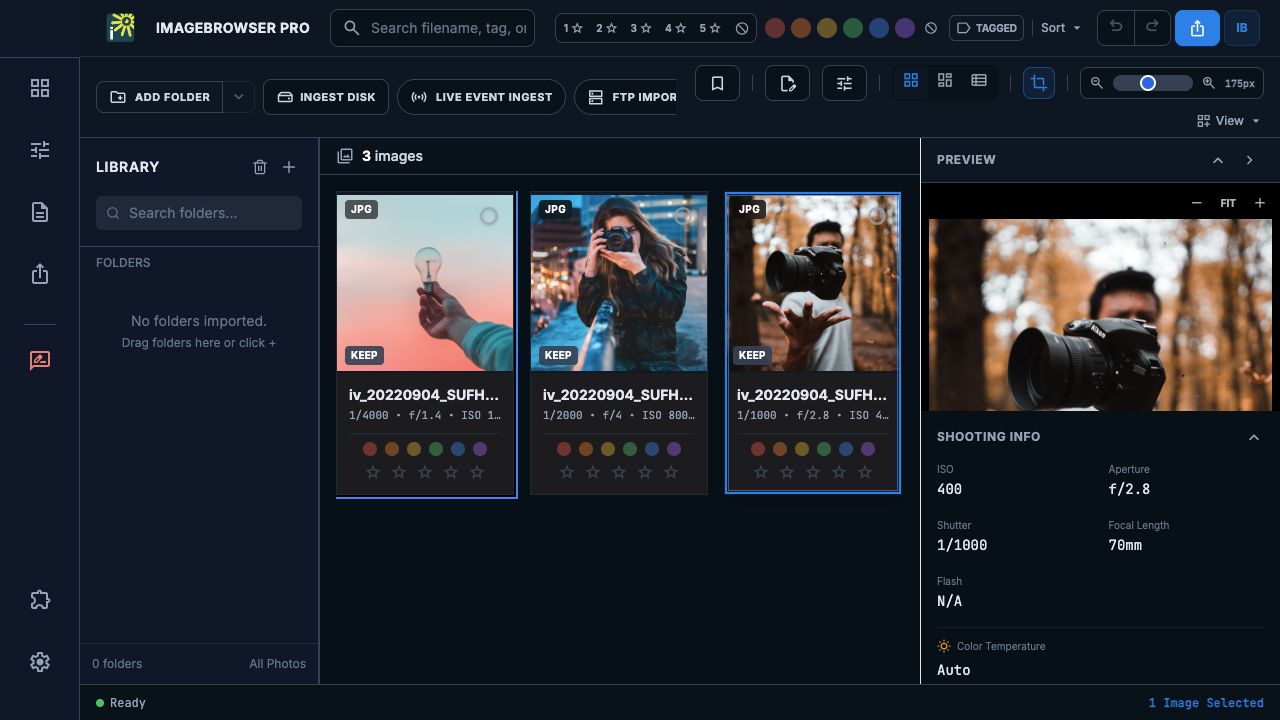
Review bursts and RAW/JPEG stacks, jump to camera-tagged moments, rate and label, and compare candidates side by side.
CAPTION
Write with the picture in view.
Caption, credit, copyright, keywords, and location in EXIF, IPTC, and XMP, with templates and code replacements for names and phrases you reuse.
TONE
Crop and tone.
Choose an editing profile, crop, adjust, and lighten a shaded area with Quick Mask. Save As makes an exported copy.
SETS
Build the edit.
Selection Sets gather references to photographs without moving originals. Sequence them, then export numbered copies in the order you chose.
DELIVER
Export, package, send.
Finished copies, contact sheets, workflow packages for an external editor, and delivery to an FTP destination you set up.
Beyond a viewer
Built to teach, to share, and to present.
These are the tools that make ImageBrowserPro more than another photo viewer.
TEACH
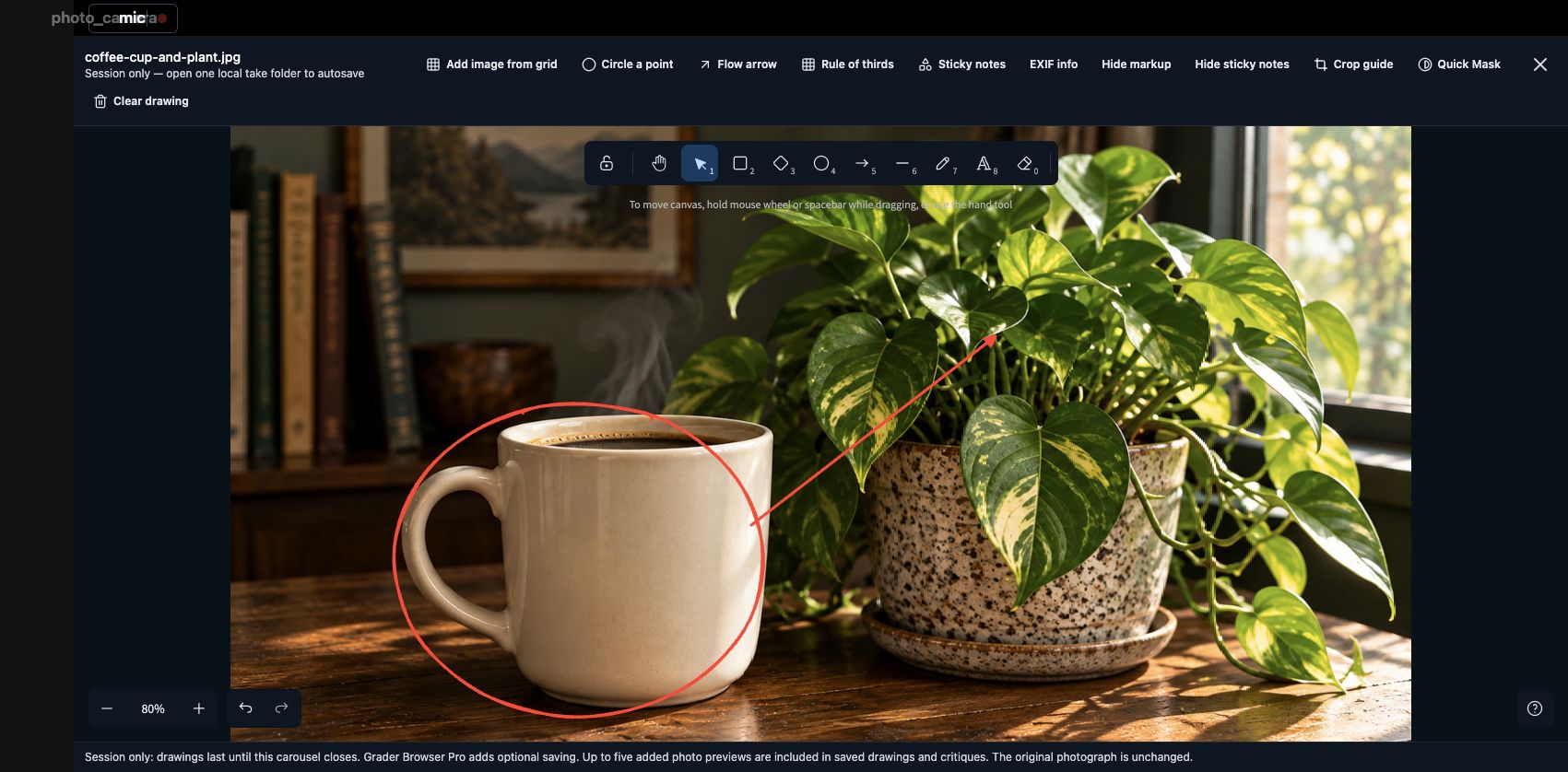
Draw, grade, and record.
Markup, rubrics, a built-in screen recorder for voice commentary, and feedback revisions students open beside their own work.
SHARE
Share once, then share the conversation.
Send photographs one time, then exchange small project files with comments and markup. No renaming, no duplicates of duplicates.
PRESENT
Turn an edit into a presentation.
Slideshow Studio turns an ordered Selection Set into a self-contained HTML slideshow or a PowerPoint file, with text slides for titles and questions.
See the work in motion
One workspace, several ways to work.
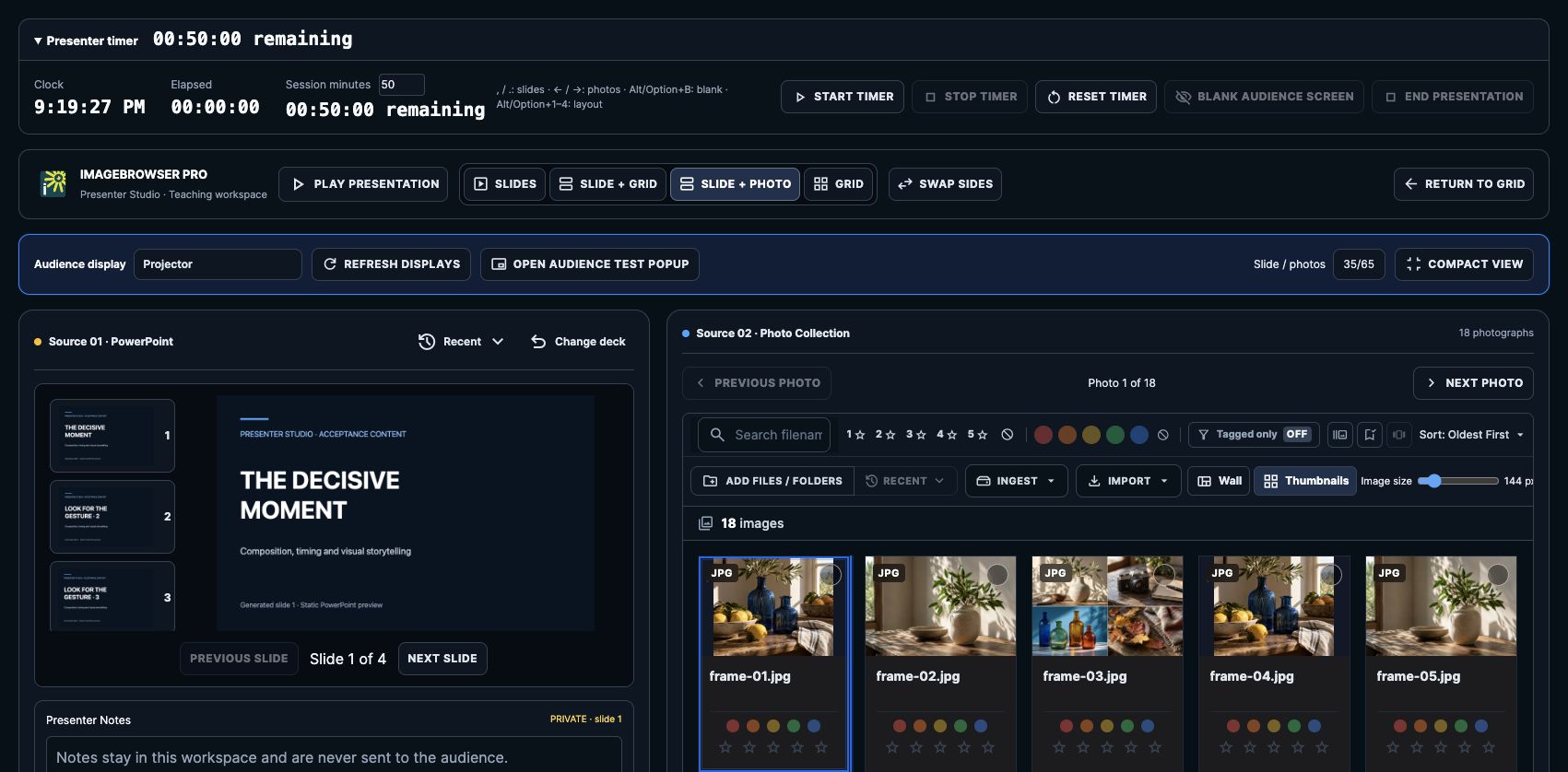
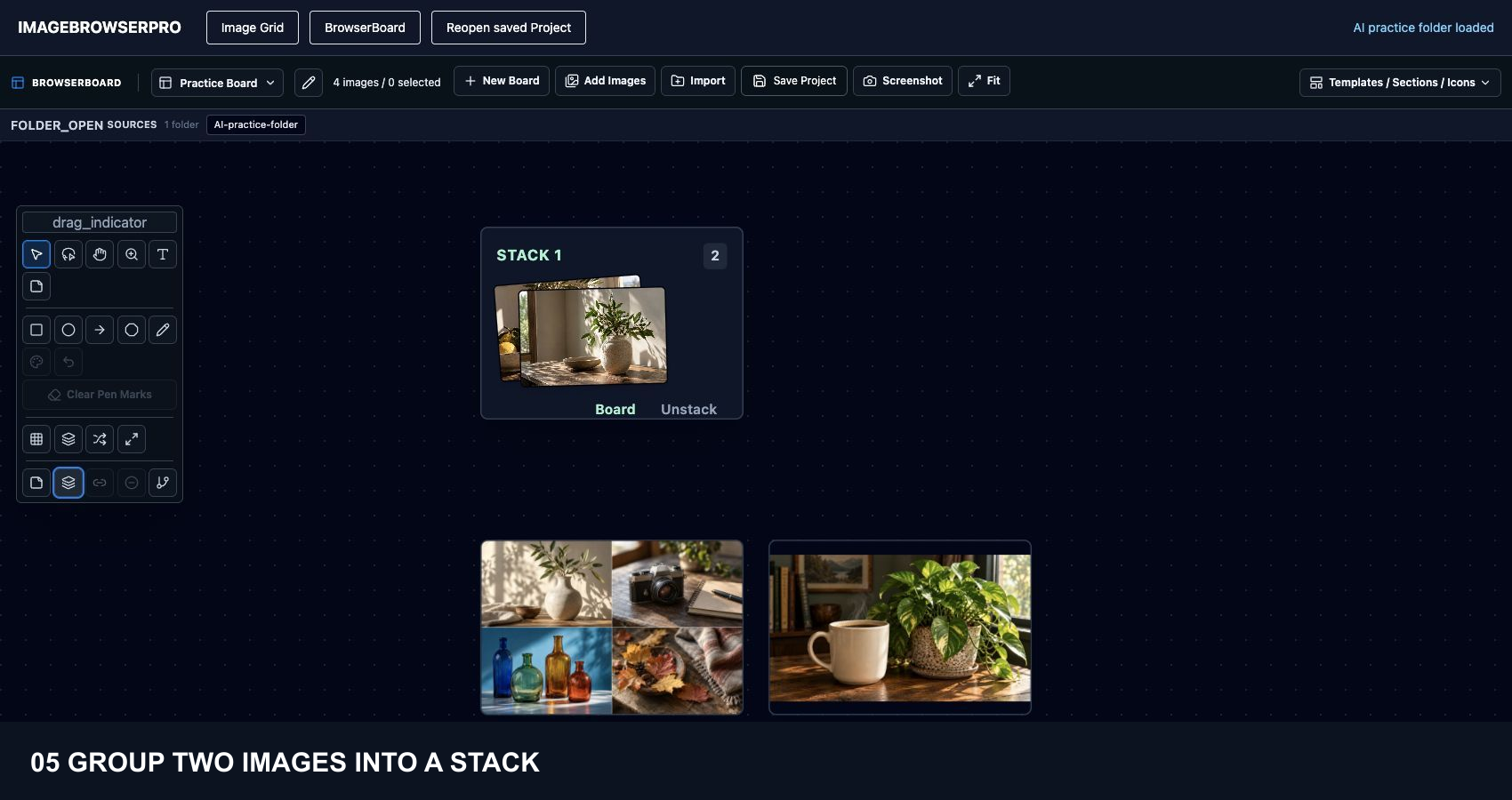
Review photographs, mark a visual point, arrange a Board, and switch between slides and images for a live audience. These dark-mode examples use AI-generated practice images.
Grid → Board stack → visual critique → Presenter View beside the Audience Facing Presentation View. Dark-mode development component preview.
The photograph stays central
A workspace that stays out of the way.
Low-contrast surfaces, precise controls, and the photograph always visible. The interface supports the assignment without competing with the image.
Menu labels and available tools can vary with your edition and enabled plugins, and the beta is still growing. Tell us what your workflow needs.
IMAGEBROWSERPRO / BETA RELEASE
See it with your own photographs.
Request the beta and bring a real shoot, a real class, or a real edit.
Questions? Email support@smgmediaworks.com